

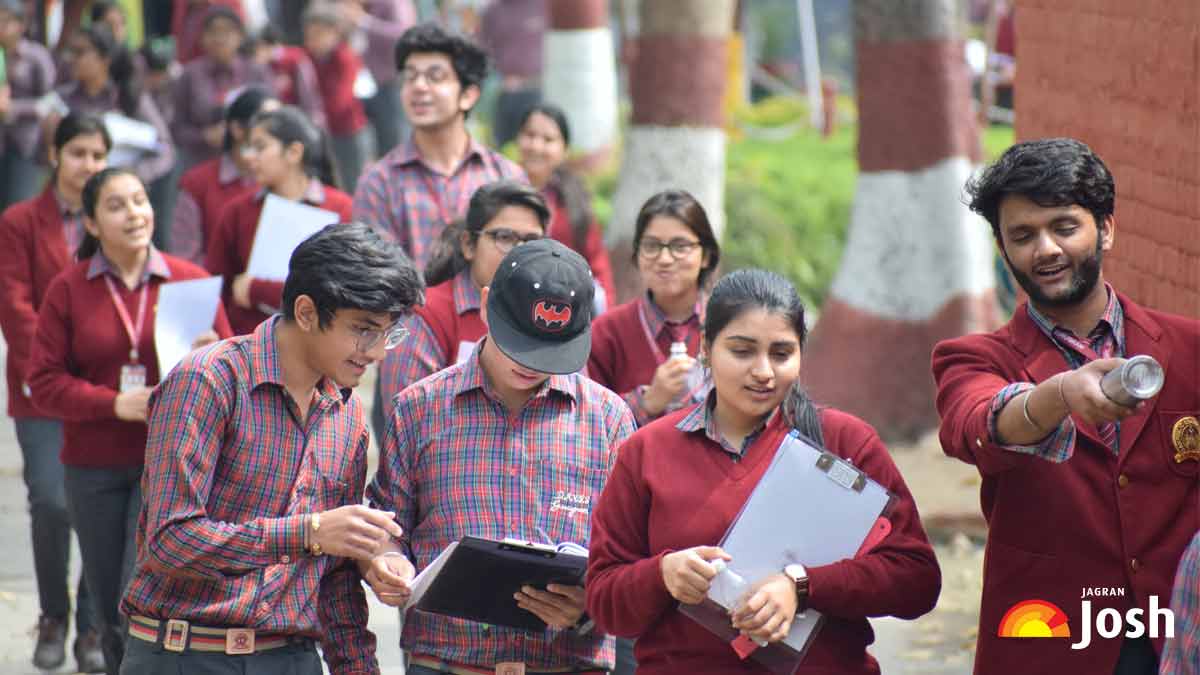

The Utkal University recently announced the provisional result of +3 First Semester CBCS regular examination for the 2017 batch on it official website i.e. uuems.in. Students of BA, BCom and BSc courses can check their results on the official website. The site is taking time to respond and therefore they will have to wait for sometime in order to access their results. Candidates are advised to have patience.
Follow these steps to check your results
Step 1: Visit the official website of Utkal University i.e. uuems.in.
Step 2: Click on the link - "Provisional Result Of +3 First Semester CBCS (BA, B.Com, B.Sc) Regular Exam 2017 (2017 Admission Batch)" - available on the homepage
Step 3: Enter your exam roll number and the captcha given there
Step 4: Submit the details
Step 5: Result will be displayed, download and take a print
Meanwhile, six Centre of Excellence will be set up on the campus of the varsity with the help of a grant approved by the Centre under it Rashtriya Uchchatar Shiksha Abhiyan (RUSA) scheme. The six centres that will be set up are - Centre for Public Policy and Governance, Centre for North East India study, Centre for Informal Labour, Centre for Environment, Climate Change and Public Health, Global Centre for Rural Engagement, Centre for Study of Language, Literature, and Culture.




Comments
All Comments (0)
Join the conversation